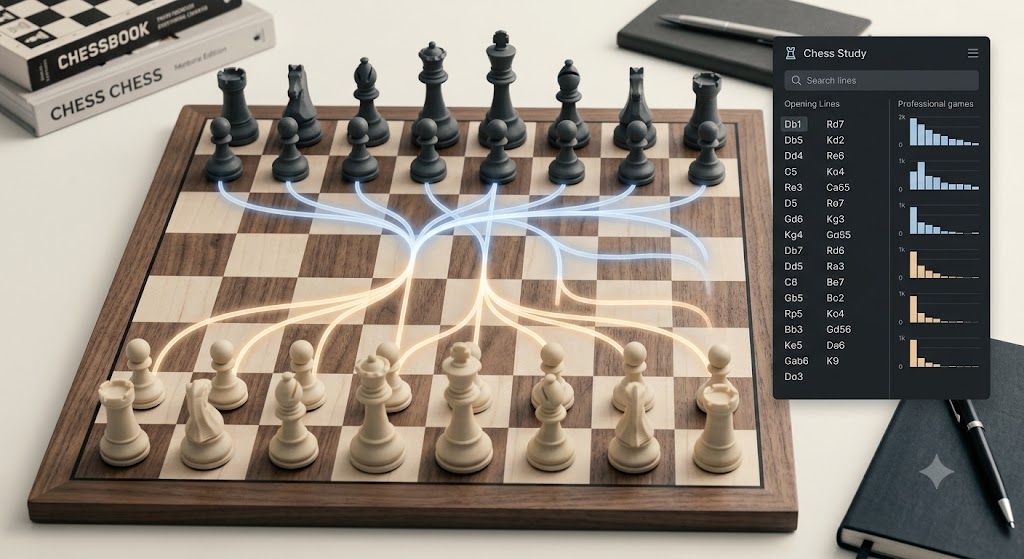
If you searched for chess.com explorer, you probably want one thing: a fast way to inspect opening lines without guessing.
That is the real job of an explorer. It should help you see what people play, where the main branches split, and which move orders are worth remembering. The site matters less than the workflow.
What players usually want from an opening explorer?
Most people are not looking for a database they can admire. They are trying to answer a few simple questions:
- What is the main line after my first moves?
- What do strong players usually play here?
- Which branch leads to the same position through a different move order?
- Where can I keep the position easy to play?
- What should I study before my next game?
If your explorer answers those questions quickly, it is doing its job.
Use the explorer for decisions, not trivia
The most common mistake is using an explorer like a move encyclopedia.
That creates more noise than value. A better approach is to use it to make decisions:
- choose one main line for White or Black
- choose one backup line that is easier to remember
- choose one anti-theory option for when you want a calmer game
That way you are not memorizing every branch. You are selecting a practical repertoire.
A simple opening-study workflow
Try this the next time you open an explorer:
- Enter the position from move one.
- Follow the main branch until the position changes character.
- Mark the move where theory ends and plans begin.
- Compare at least two candidate replies at each critical turn.
- Save the branch that gives you the clearest plan.
If you do this consistently, your study becomes lighter and your recall improves.
What makes a line worth keeping
Pick lines that are:
- easy to remember
- hard for opponents to punish immediately
- good for your time control
- aligned with your style
If you are a tactical player, choose branches that keep pieces on the board. If you want quieter games, choose lines that reduce early sharpness. If you are short on prep time, choose move orders that avoid move-order traps.
Why transpositions matter
A lot of opening mistakes come from looking only at move order.
Two different sequences can lead to the same position. If you do not notice that, you will spend time learning duplicates and still miss the real structure.
An explorer helps you collapse those duplicates into one plan. That is a big time saver.
When an alternative is useful
Players often switch tools because they want one of three things:
- faster navigation
- clearer move-order labels
- a simpler path from opening to middle game plans
If that is your goal, use whichever explorer lets you get to the position fastest and understand it best. Then keep your notes in one place.
For ScriptChess users, the useful part is not just seeing the line. It is being able to review it again, compare branches, and build a repertoire you can come back to later. A good place to start is the free chess explorer.
What not to overdo
Do not spend an hour polishing a line that shows up once a year.
Do not memorize engine top moves without checking whether they fit your style.
Do not chase novelty in every branch. In most games, a solid, familiar position beats a clever surprise you cannot remember.
How this page supports the main opening page
This is not a replacement for the primary opening page.
It is a supporting page for the opening cluster, meant to catch searchers who want a simpler workflow first and then move into the main opening study route:
- Chess Opening Explorer
- Free Chess Explorer
- ScriptChess Openings
- Chess Opening Explorer Use Cases when you want to lock in the workflow you just learned and turn it into a practice or prep loop.
Bottom line
If you searched for chess.com explorer, you do not need more theory. You need a faster way to learn which opening branches matter.
Use the explorer to make one decision at a time. Save the lines you will actually play. And keep the study simple enough that you can repeat it before every game.
Once a decision is made here, return to the Chess Opening Explorer hub or the Use Cases guide to turn that decision into a fuller study session.